
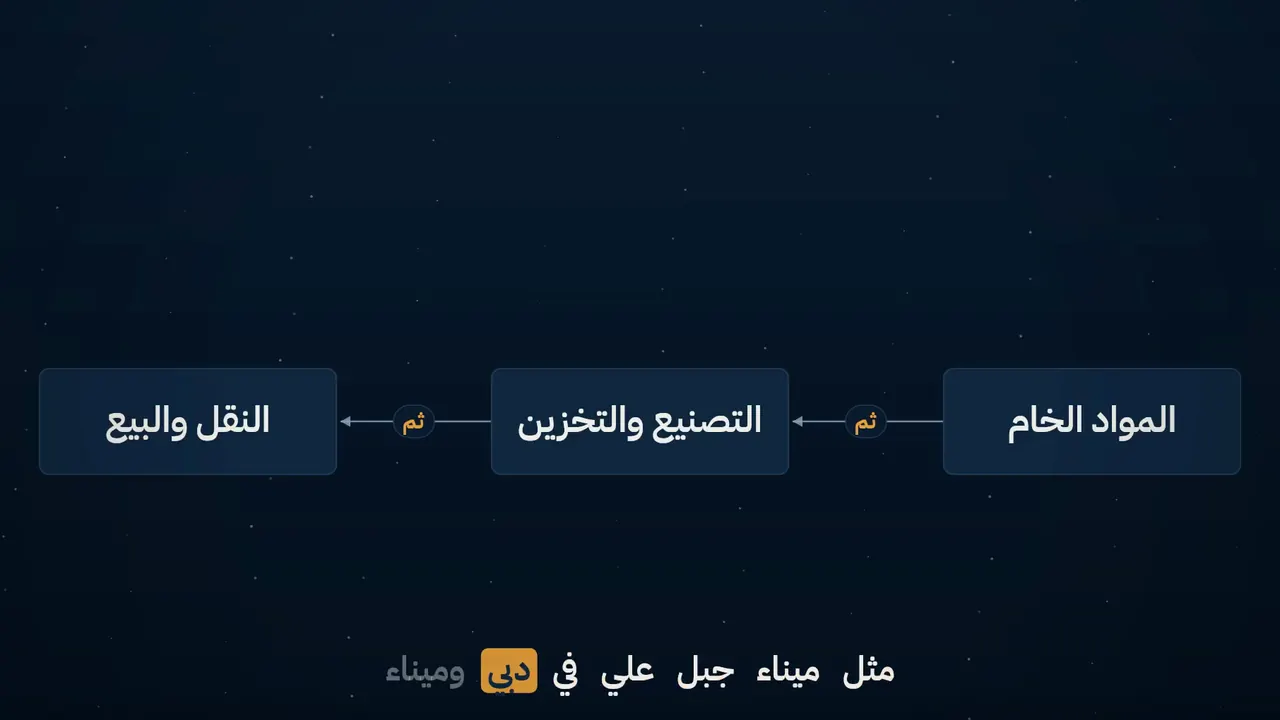
How a lecture is made
A recording goes through nine stages in a fixed order, and you see the plan and the price before anything is made.
The same lecture, before and after
One recording, produced by Moallem's engine from start to finish. Drag the divider to compare the same seconds, then jump to any moment of the finished video.
The same words, side by side
The finished video
An honest note: the lecturer and his voice in this demo were generated with AI from a written lesson, so that no real person's face or voice is used. Everything else — the cut-out, the slides and diagrams, the captions, the opening and closing cards — is Moallem's engine output, unedited.
See every feature, one by oneNine stages, in order
Each stage starts from what the one before it left: a lecture is repaired before it is branded, and branded before anything is cut away from it.
Clean-up and sound
Echo, hum and level are fixed, and a green screen, if there is one, is removed.
Branding
Your logo, the course plate and the opening and closing cards.
Title cards
The course title, the chapter cards and the lecturer's name.
The presenter
The lecturer is placed in the frame: beside the material, in a corner, or full frame when the delivery matters.
Animated lecture
Headings, lists, definitions and comparisons, drawn on the word that introduces them.
Teaching visuals
A diagram, a photograph or a short clip where the lecture describes something a picture can hold, and nothing where it cannot.
Captions
Word-timed captions in the language the lecturer speaks, right to left for Arabic.
Learning aids
Objectives at the start, takeaways at the end, and chapter markers.
Credits
The closing card with the course, the lecturer and the university.
What you see before it renders
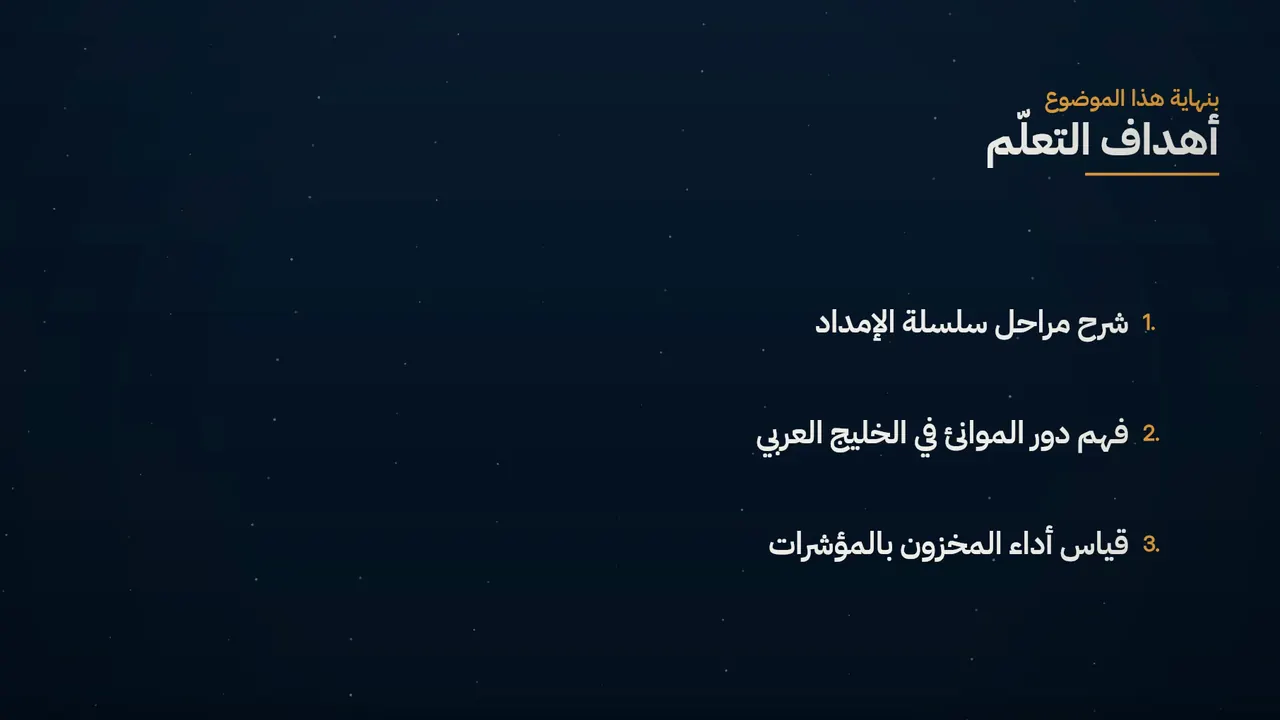
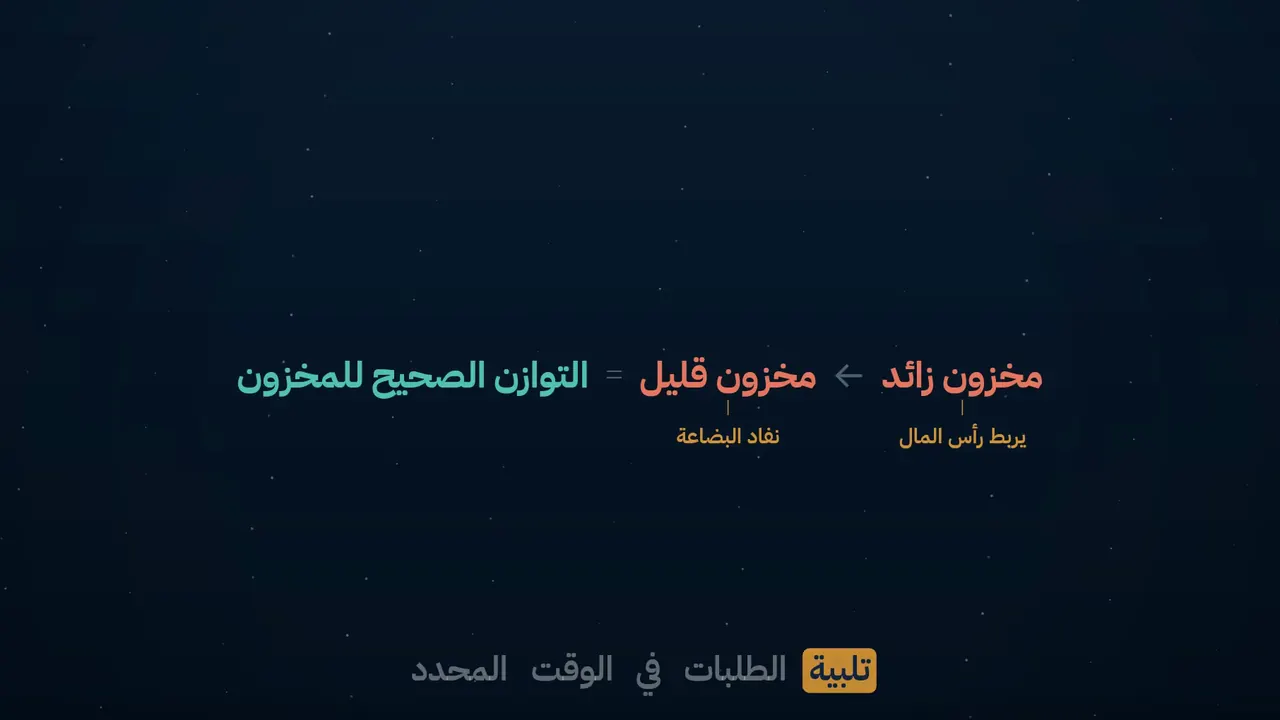
The shot plan
Which layout each stretch of the lecture gets, and where a picture is placed.
The exact price
Worked out from the finished length and the tier, before anything is generated.
Your approval of the plan
Read the plan in plain words — chapter titles, slide text, drawn scenes — correct the wording or remove a slide, then approve it. Production starts only after that.
What comes with every film
The film
1080p MP4 at the lecture's full length.
Captions
Burned into the picture, and as SRT and VTT files.
Transcript
The full text, in the lecture's language.
Chapters
Markers the course player can show.
Objectives and takeaways
On screen in the film, and in the text that comes with it.
Works with what you already use
Recordings from Zoom, Microsoft Teams, Panopto and Echo360, or from any camera. Films and caption files ready to upload to Moodle, Blackboard or Canvas.
Try it on one of your lectures
Tell us about your programme. We arrange to receive one recording you already have, produce it, and send it back for you to judge.
- You send
- One recording
- It costs
- By the minute: see the price list
- We reply
- Within one working day