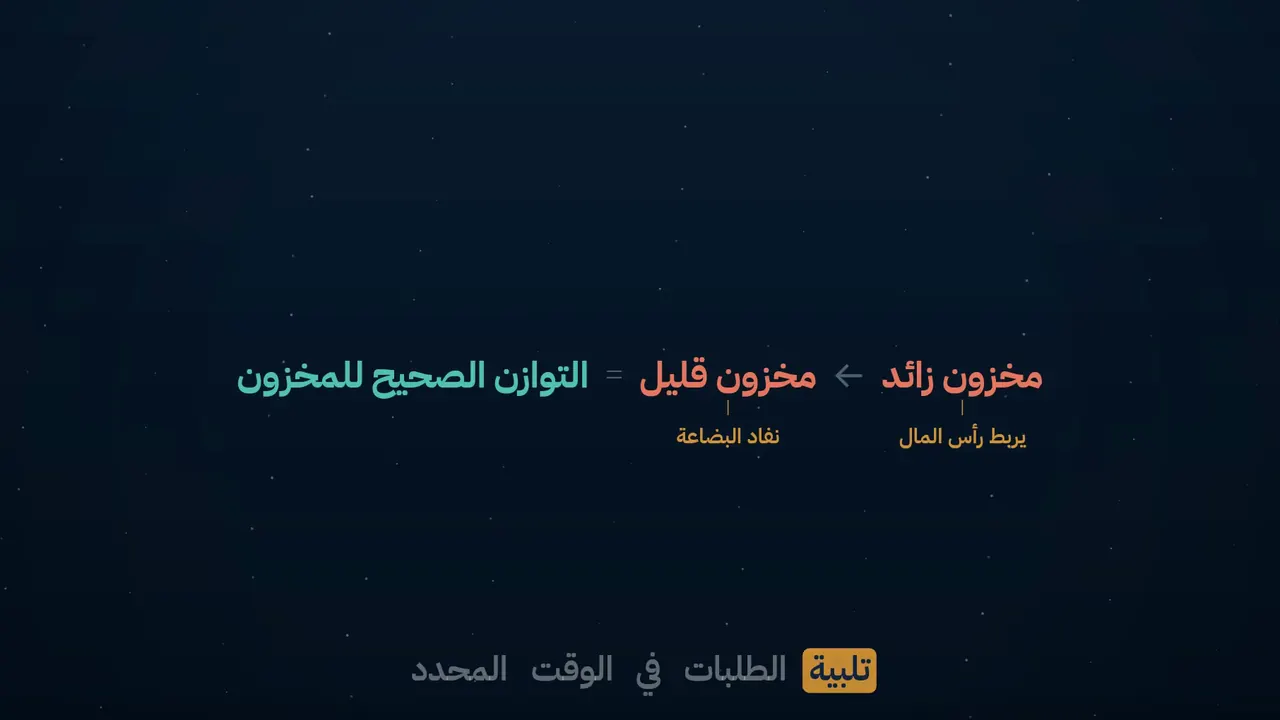
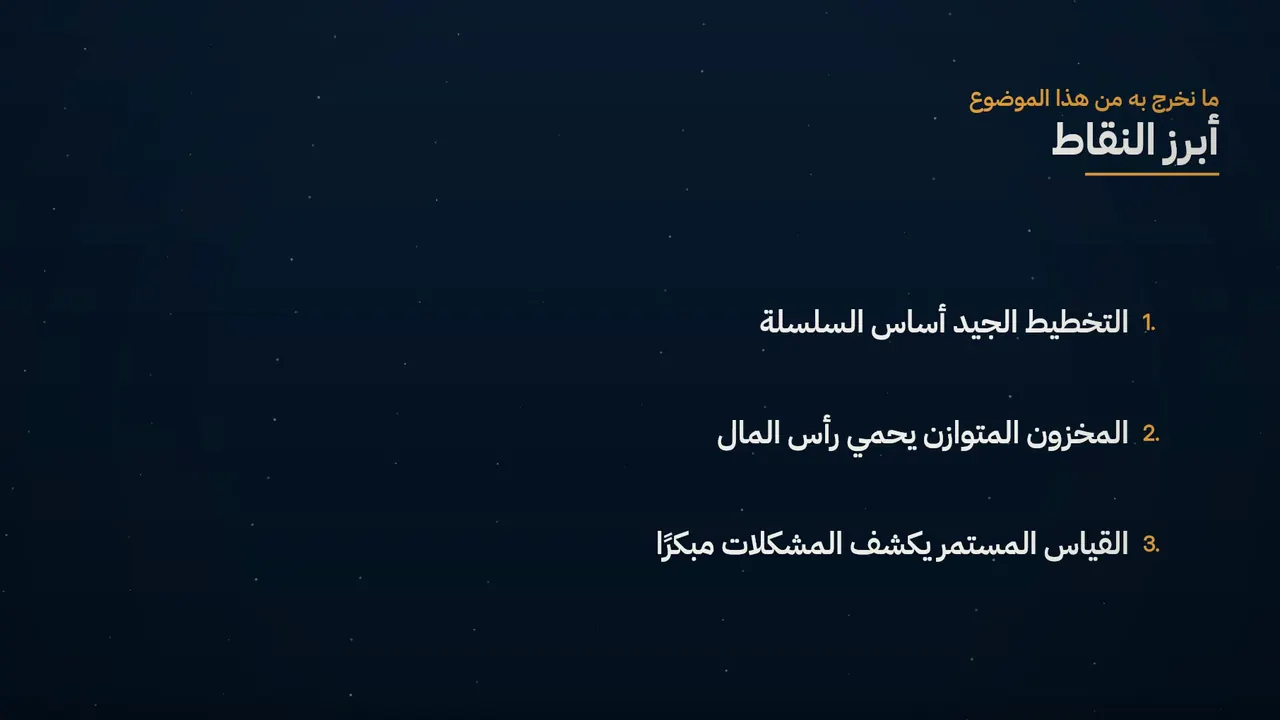
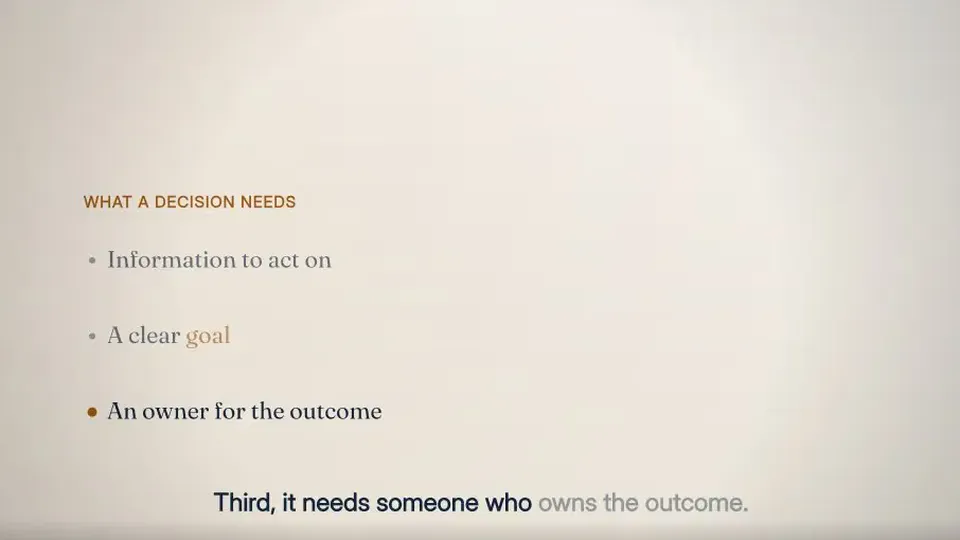
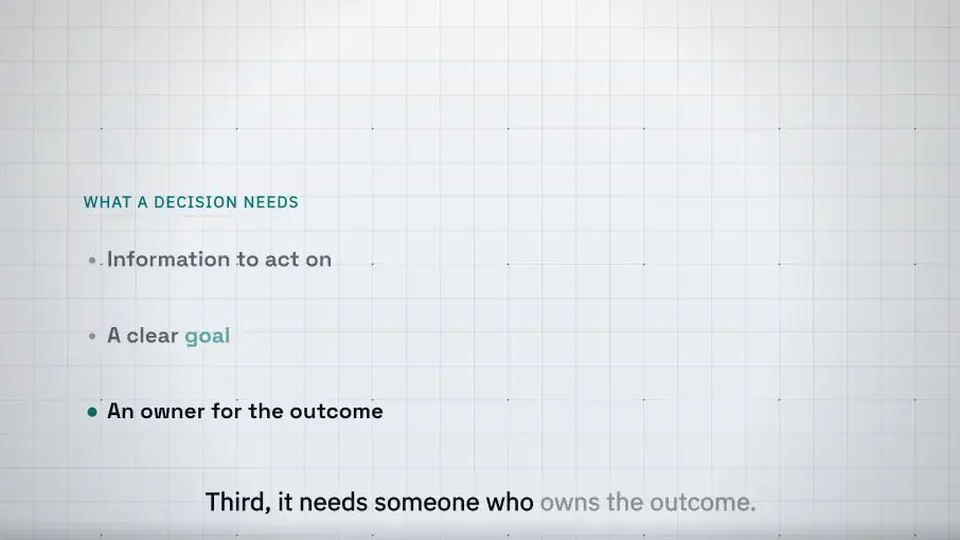
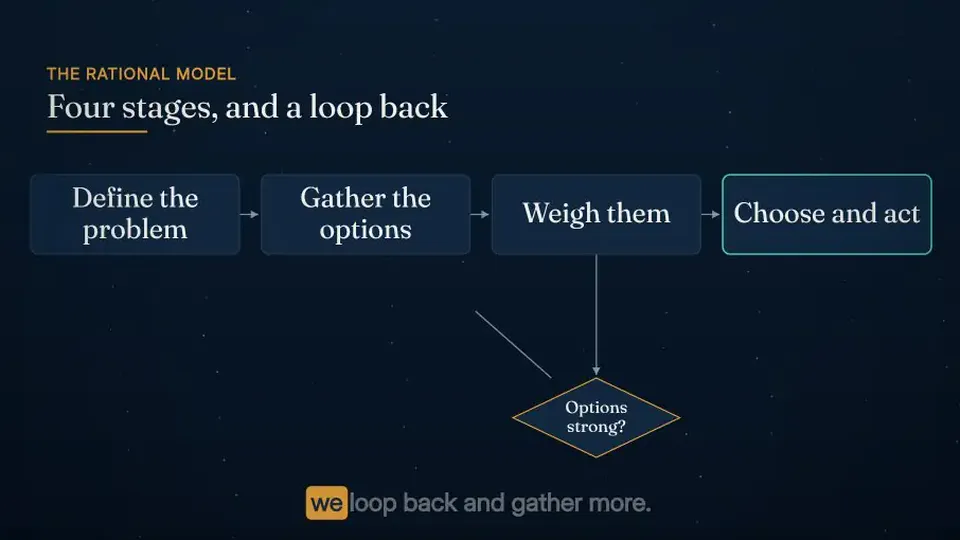
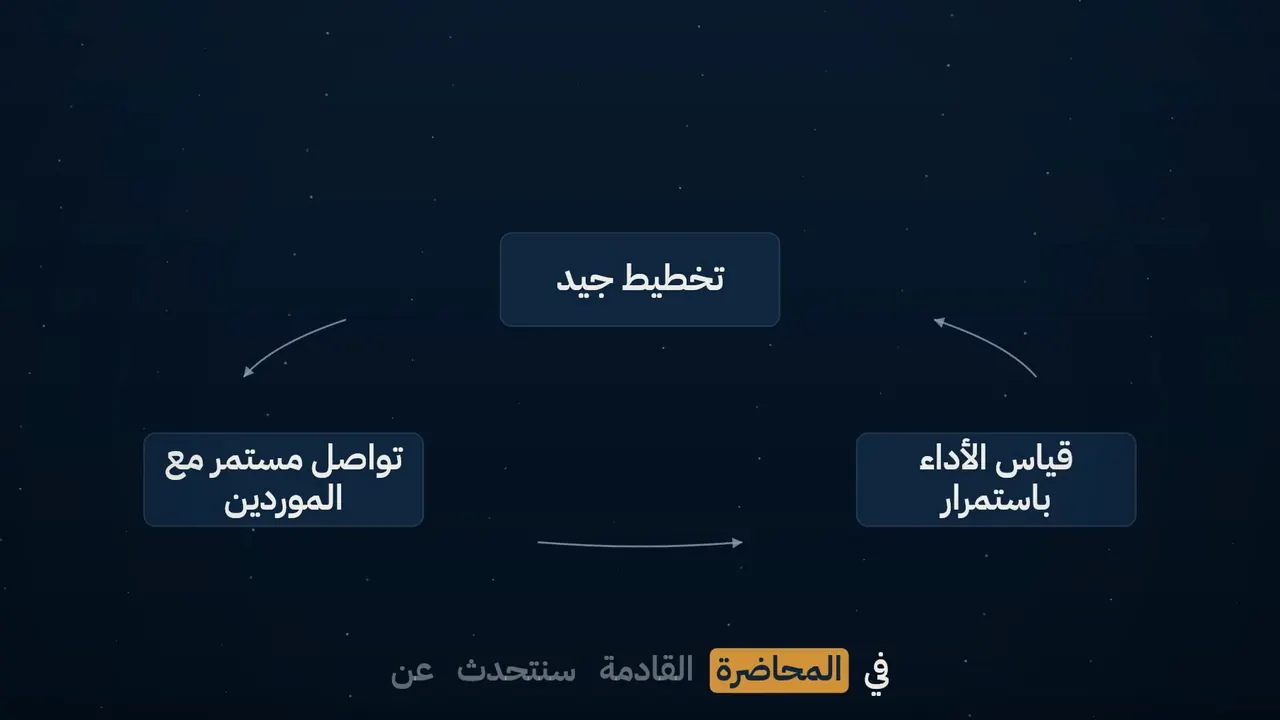
One lecture, three modes — the lecturer, then a diagram with the lecturer beside it, then a slide with the lecturer beside it — against the green-screen recording at the same words. Drag to compare.
For universities in the UAE
Your lectures, as finished films
Moallem turns the lectures your faculty already record into finished course films: clean sound, captions in the language of the lecture, teaching visuals and your university's look. Arabic and English. No editors, no re-recording.
Choose a feature to play exactly that part of the lecture. Nothing here was edited by hand.
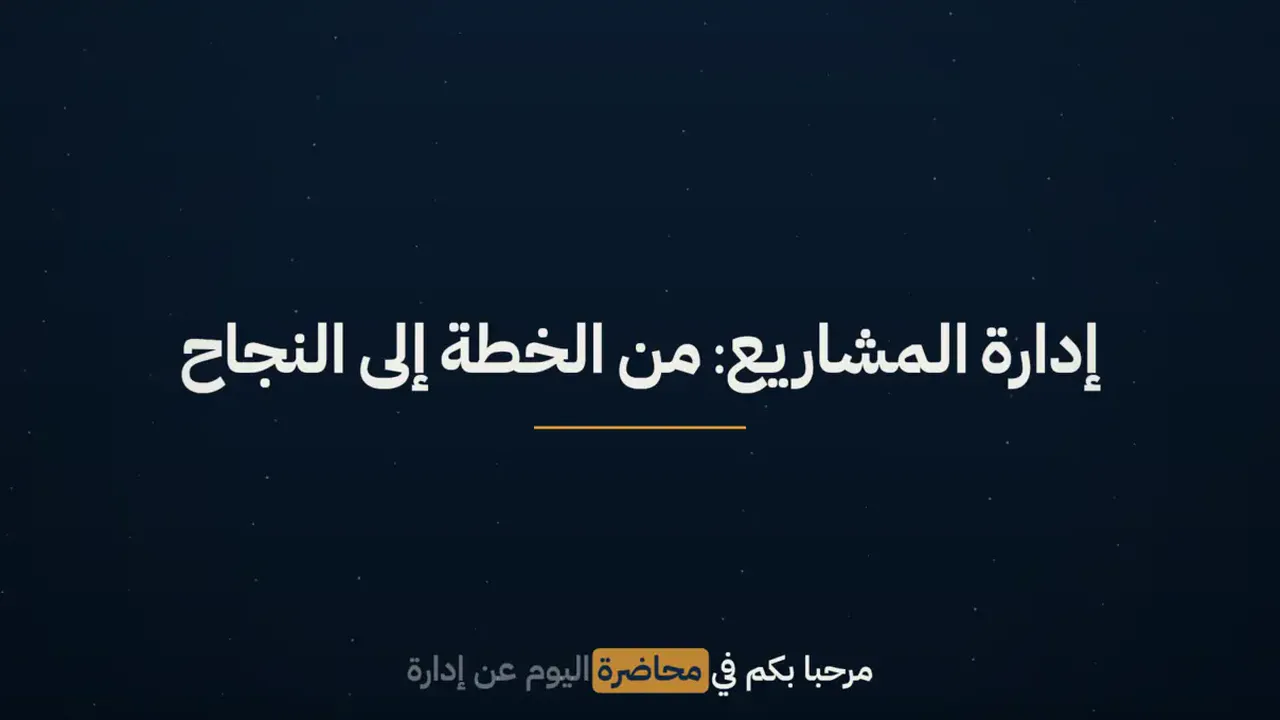
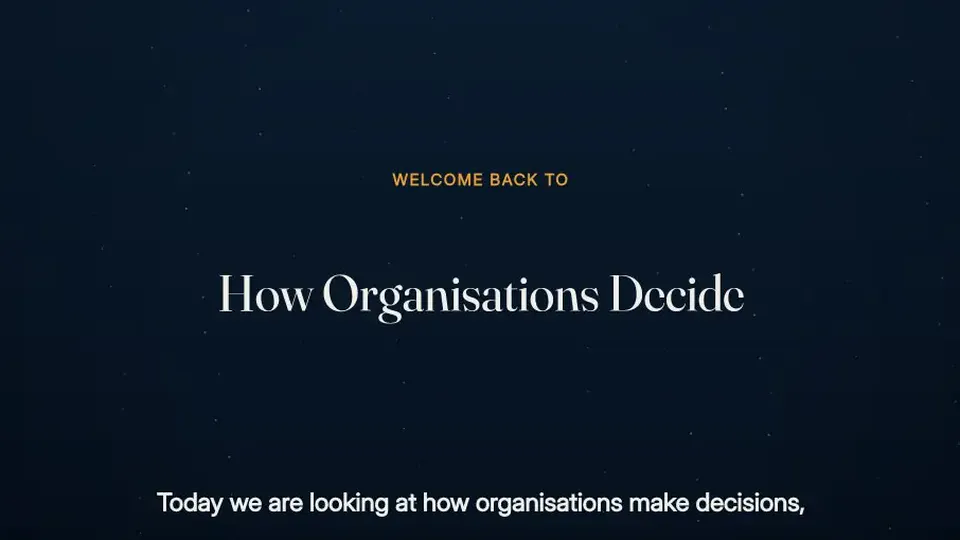
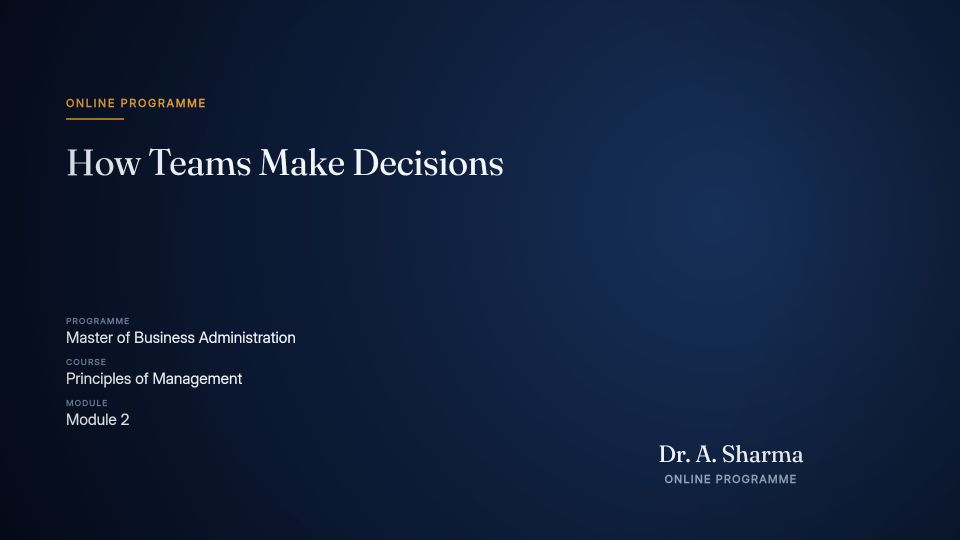
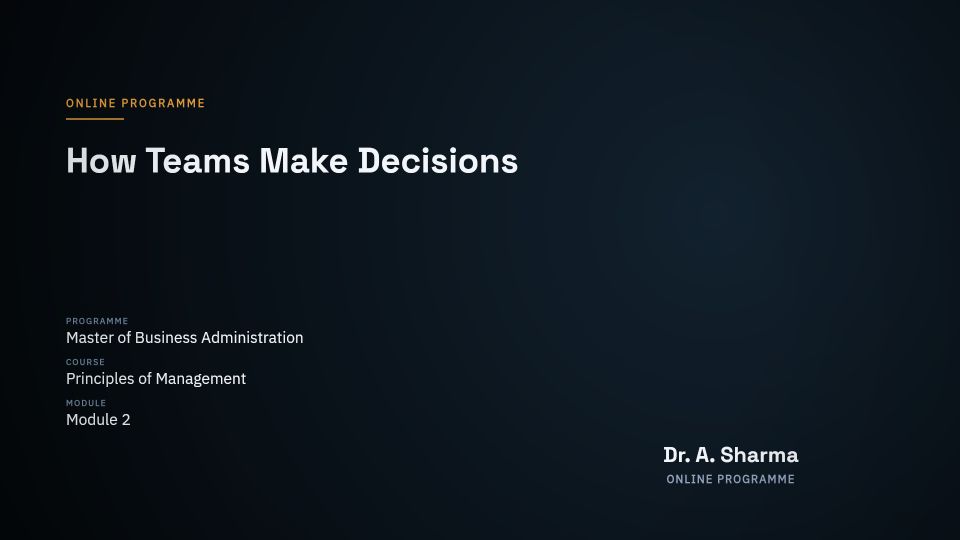
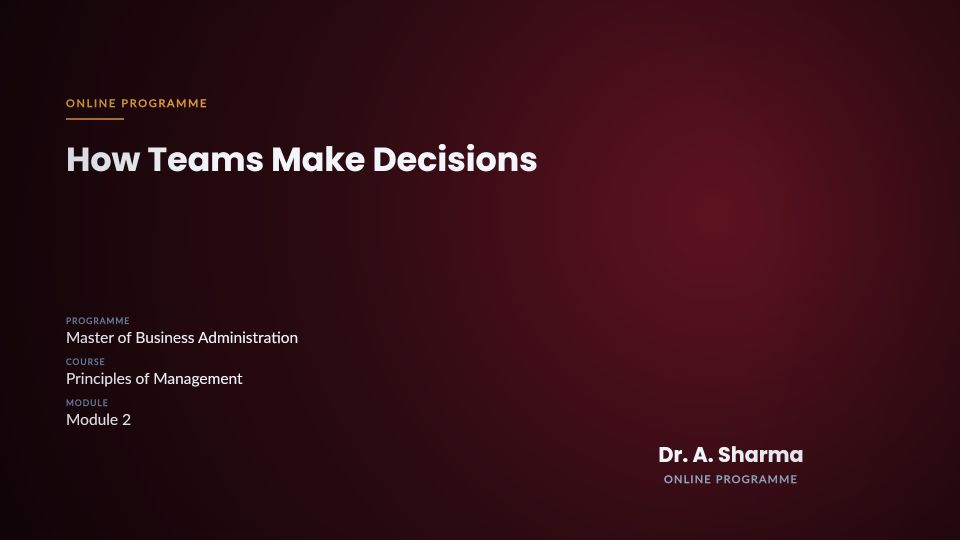
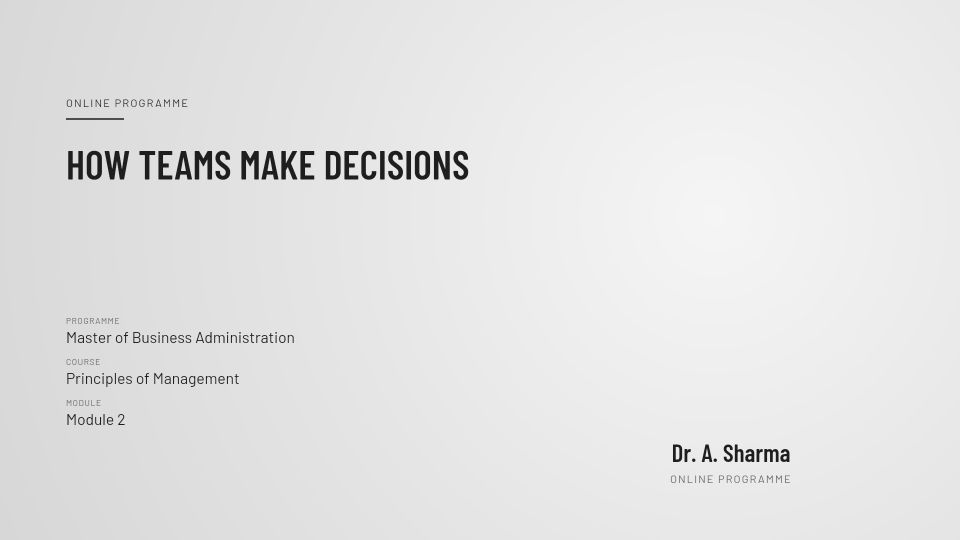
The lecture's title, the course, the module and the lecturer, in your institution's look and with its name.
An honest note: the lecturer and his voice in this demo were generated with AI from a written lesson, so that no real person's face or voice is used. The reel is cut from one lecture Moallem's engine produced: each moment is the engine's output, unedited.
برنامج عبر الإنترنتكيف تتخذ المؤسسات قراراتهابكالوريوس إدارة الأعمال الوحدة الثانيةد. ليلى حسن
Your course, on its title card
Every film opens with a title card in the course's style. Type a course and a lecturer, choose the language, and see it set. Arabic is set right to left in a typeface designed for Arabic, with its letters joined.
Eight steps, in a fixed order. Each one adds something you will see or hear in the finished lecture.
1
You send a recording
Any lecture you already have: lecture capture, a video call, a classroom camera or a phone on a stand. A green screen is optional.
Lecture capture
A video call
A classroom camera
A phone
Green screen optional
2
The sound is cleaned
Room echo, air-conditioning hum and the thin sound of a distant microphone are dealt with before anything else is built on the audio.
Echo removed
Air-conditioning hum removed
Even loudness
3
The lecture is read
It is transcribed in Arabic or English and planned: chapters, objectives, and the moments a picture helps.
Arabic or English transcript
Your special words
Chapters
Learning objectives
4
You see the plan and price
Nothing is generated until you have seen the shot plan and the exact cost of the lecture.
The shot plan
The exact price
Change anything first
5
Visuals are added where they help
Slides that follow what you say; drawn diagrams, timelines and comparisons; cards for the numbers you quote; and b-roll pictures and clips for the topic (on Studio and Premiere, generated for the exact sentence). You stay on screen, cut out cleanly from your background.
Lecturer cut out of the background
Slides that follow the lecturer
Diagrams drawn as spoken
Timelines and comparisons
Cards for the numbers
Pictures and clips for the sentence (Studio, Premiere)
6
An opening and a closing
Every film opens with a title card in your university's look and the lecture's learning objectives, and ends with its key takeaways and a closing card. Captions and chapters run from start to finish.
Opening card with your name and logo
Learning objectives
The line to remember
Quick checks
Key takeaways
Closing card
7
Every caption is checked
The finished film is transcribed again and compared with the source, so a caption that drifted from what was said is caught. This check is automatic; the top tier adds a person.
Word-by-word captions
Right to left for Arabic
Re-transcribed and compared
8
You approve and publish
Download the film with its captions and transcript, ready to upload to Moodle, Blackboard or Canvas.
The film
The caption file
The full transcript
Chapter markers
Ready for your learning platform
Why produce a lecture at all?
A raw recording is hard to follow, search or show a reviewer; a produced film fixes that.
Captions and a transcript
Every film ships with captions and a full transcript, every time.
Reviewed before students see it
Your lecturer checks and approves the plan before anything is made.
Every film carries your logo, colours, and opening and closing cards.
Easier to follow, and to find again
Objectives at the start, chapters throughout, takeaways at the end.
Made for the UAE
Arabic and English, each done properly
An Arabic lecture is transcribed in Arabic and captioned right to left, with joined letters and Arabic punctuation; an English lecture gets the same in English. Titles and on-screen text follow the lecture's language, and one course can hold lectures in both.
An Arabic lectureAn English lecture
Visuals that respect where they are shown
The pictures in a film follow editorial standards written for universities in the Gulf. They are part of the plan you see before anything is made, not a review afterwards.
People appear dressed modestly, as they would on a university campus.
Scenes suit a university audience in the Gulf: food, drink and settings stay within local norms, with no scenes of drinking or gambling.
Faith is treated with respect: religious symbols and places of worship are not used as decoration.
Flags, national emblems and maps are left to official sources rather than used as illustration.
Names as they are used in the region: the Arabian Gulf.
Your university's look
One brand kit for every department: the logo, the colours, the opening and closing cards. Lectures recorded across a whole semester still look like one course.
One opening card, drawn by the engine in each of the four looks a lecture can be made in.
Faculty approve every film
Production is automated, so people stay in charge: the lecturer checks and edits the plan before anything is made, and approves the film before it reaches students. Moallem never publishes for you.
Everything in every lecture
Every lecture made for a university in the UAE gets all of this. The tier you choose adds pictures and clips made for the exact sentence (Studio and Premiere) and a person's review (Premiere).
The opening card
Learning objectives
The lecturer, cut out of the background
Arabic captions, word by word
A diagram drawn as it is explained
The line to remember
Key takeaways
The closing card
Sound clean-up
Pictures and clips for the sentence (Studio and Premiere)
Arabic or English captions, Modern Standard Arabic titles, your brand and an LMS-ready package, with drawn diagrams and real photography. per 20-minute lecture, 7.50 a minute
Studio260
Everything in Core, with imagery made for each sentence and short generated clips where the lecture describes movement. per 20-minute lecture, 13 a minute
Premiere440
Everything in Studio, four times the footage, and a person's review of every film with a signed record. per 20-minute lecture, 22 a minute
Each tier is priced per finished minute in dirhams. VAT is not included.
Questions, answered
Do lecturers need to record again?
No. Moallem works on the recordings you already have: lecture capture, a video call, a classroom camera or a phone.
Does it work for Arabic lectures?
Yes. An Arabic lecture is transcribed and captioned in Arabic, right to left, and its titles are in Arabic. An English lecture is handled the same way in English. Captions stay in the language that was spoken; they are not translated.
Do we need a script or slides?
No. The plan is built from what the lecturer says. A script or a slide deck helps when you have one, and is never required.
Who sees our recordings?
Your own team and the systems that produce the film; Moallem's staff only when it is needed to deliver or fix a lecture. Recordings are never used for advertising.
Can every film carry our brand?
Yes. Your logo, colours and opening and closing cards are set once and used on every film in every department.
What do we receive?
A full-length 1080p MP4, burned-in captions, SRT and VTT caption files, a transcript and chapter markers.
How is it priced?
By the finished minute, in three tiers. The pricing page shows each tier in dirhams and estimates a whole course with VAT.
How do we start?
Request a pilot. We arrange to receive one of your recordings, produce it, and send it back for you to judge on your own material; then you choose a tier.
Try it on one of your lectures
Tell us about your programme. We arrange to receive one recording you already have, produce it, and send it back for you to judge.